Node Menu and Submenu in OrgChart JS
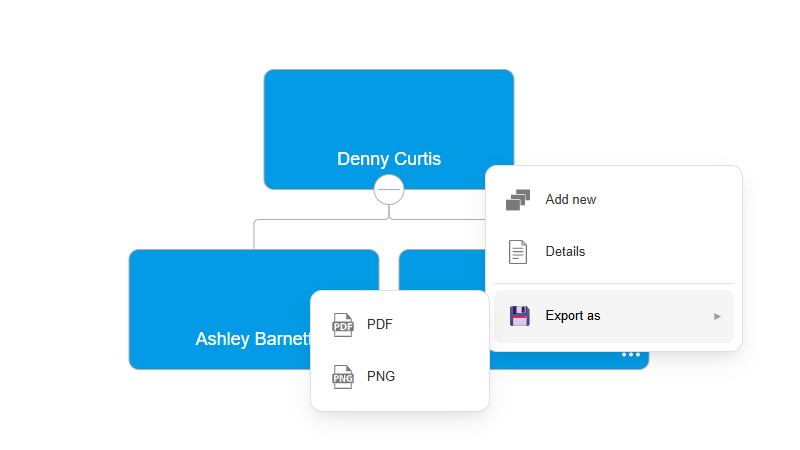
Creating Multi-Level Nested Menus
The subMenu option in OrgChart JS Menus Documentation lets you create multi-level nested menus inside a node menu item. This is useful when you want to organize many actions without overcrowding the main node menu.
For example, you can group export actions under a single "Save as" menu:
javascript
nodeMenu: {
    exports: {
        text: "Save as",
        subMenu: {
            pdf: { text: "PDF" },
            png: { text: "PNG" }
        }
    }
}
You can even create deeper nesting levels for advanced workflows and custom actions.
Submenus work with predefined menu actions like add, edit, remove, and export options, as well as fully custom handlers using onClick. This makes it easy to build clean and scalable user interfaces for complex org chart applications.